 Quiren
Stowo for Windows
Don't delete it.
Just put it away.
Stowo hides the shortcuts to apps you keep reaching for. The apps stay installed, and you can restore their shortcuts when you need them.
On a real PC
Recorded in the real app, 25 seconds
How it works
Game Launcher and the other entries shown here are example shortcuts created for these screenshots.
Add
Add the shortcut (.lnk or .url) of an app you want to put away. Drag the file in or pick it with Browse, and it shows up in the list as Visible.
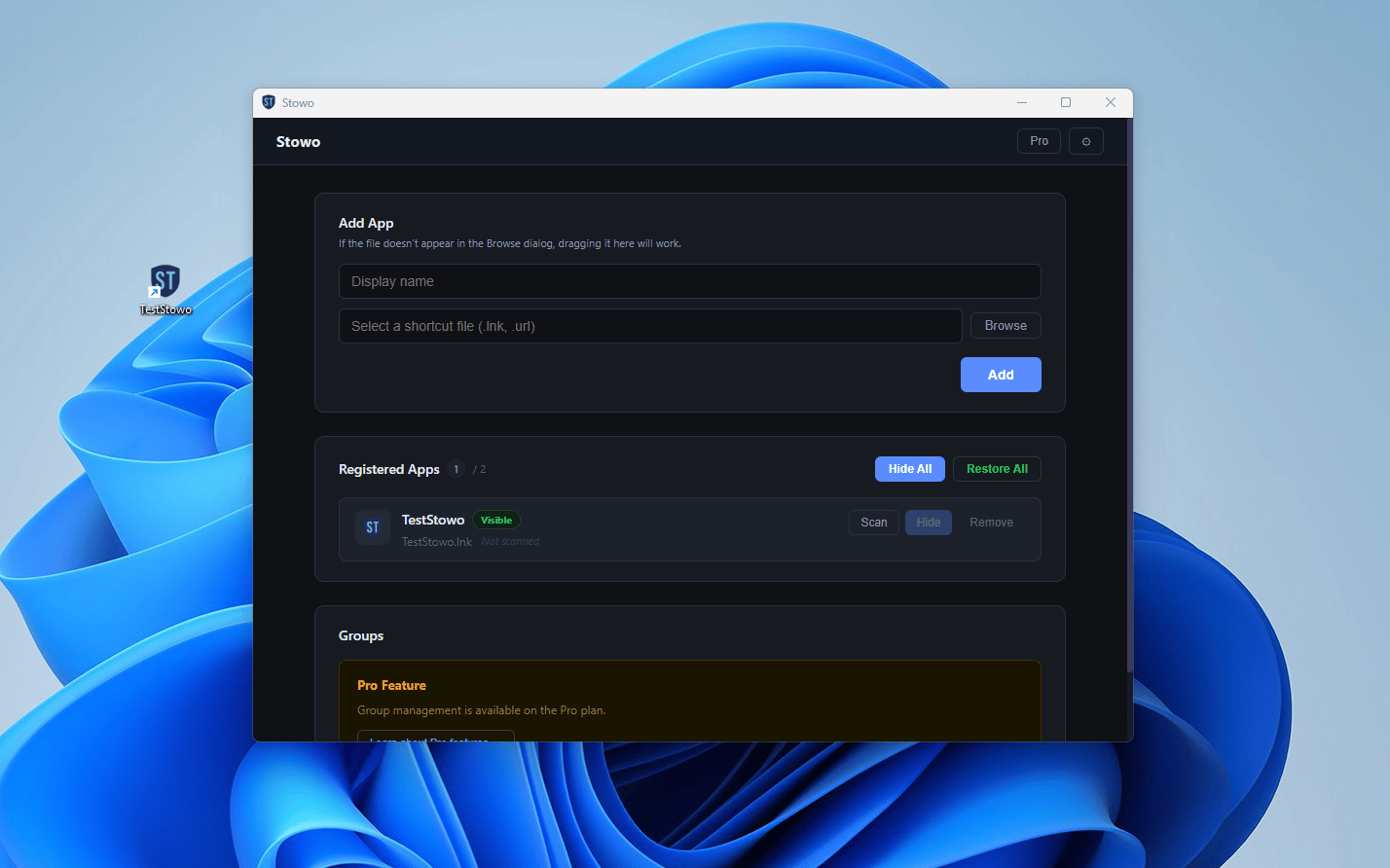
Hide
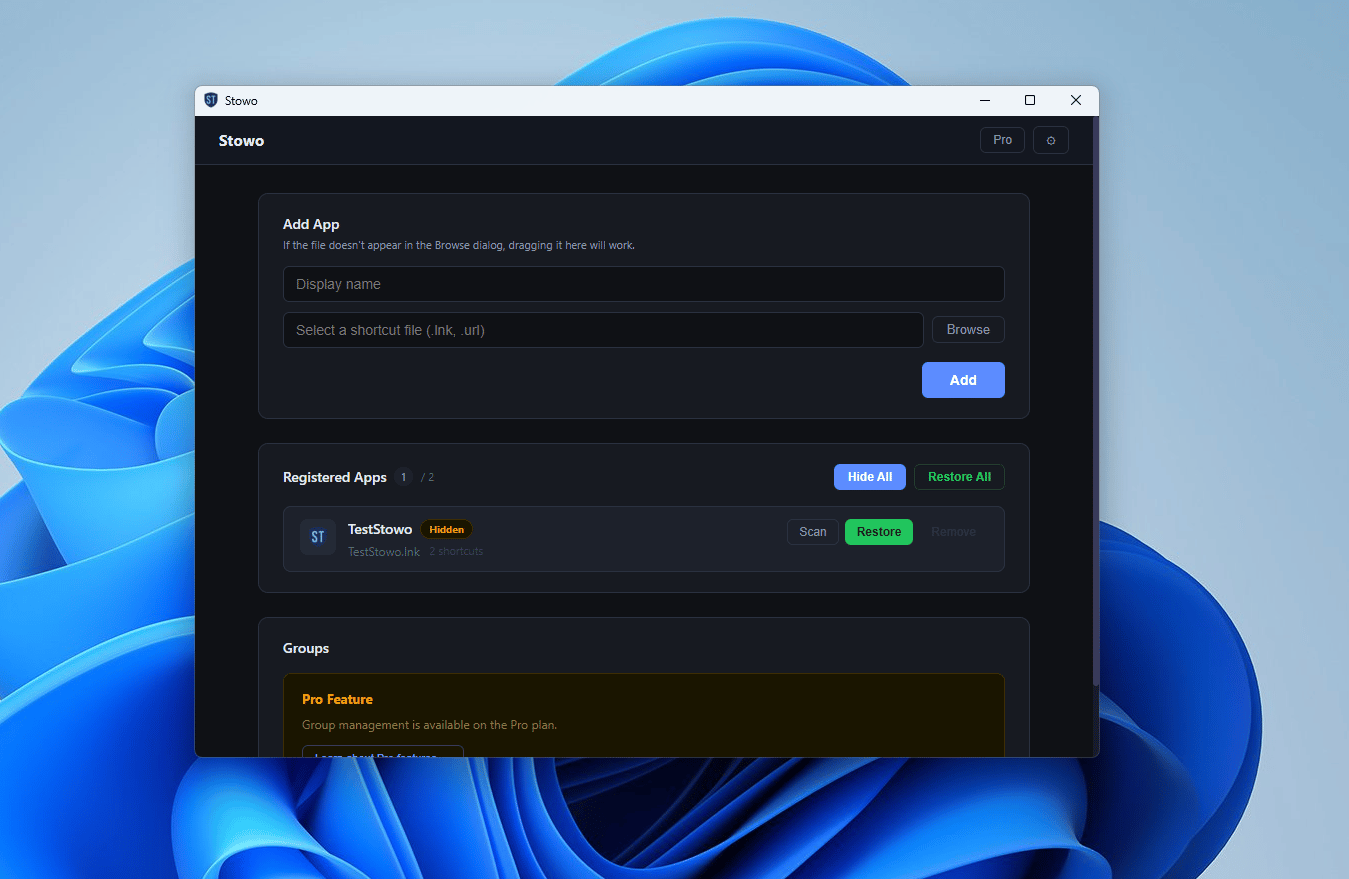
Press Hide to put away the shortcuts on your desktop and Start menu. The status changes to Hidden, and the app itself stays installed. Press Restore to bring the shortcuts back.
Come back later
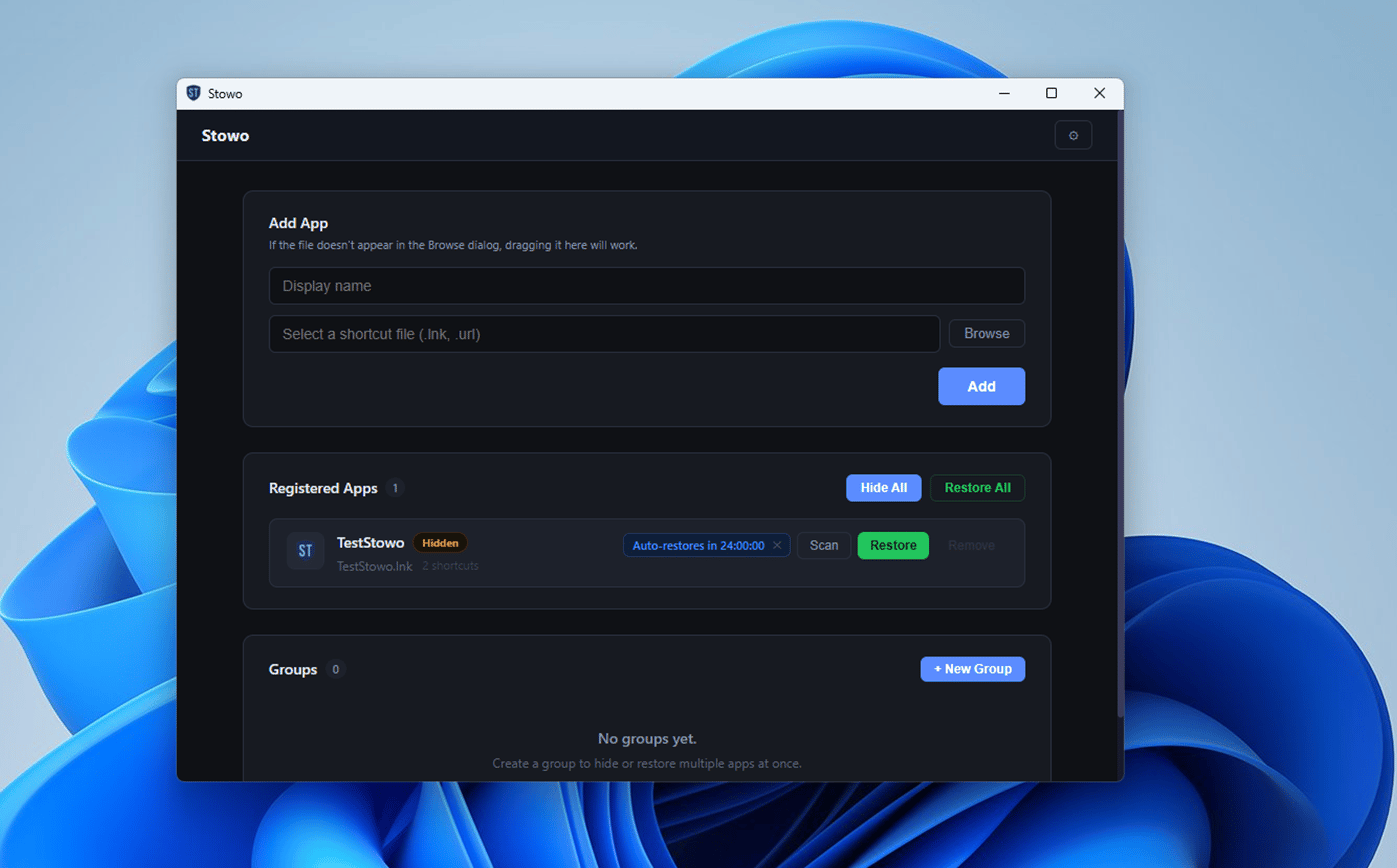
Set a timer when you hide an app, and its shortcuts come back automatically when the timer ends. You can also restore them early with Restore. If Stowo is closed, they may come back up to about 15 minutes late, and if your PC was off, they come back after you turn it on.
What changes
It drops out of search, too
Your apps stay installed. Only the easy ways to launch them are put away for a while. When you hide Start menu shortcuts with the default Move method, the app also drops out of the app results in Windows search.
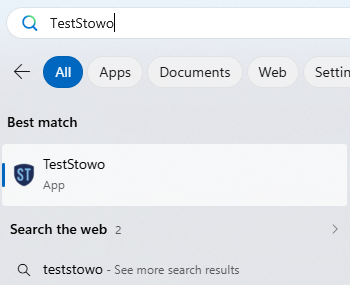
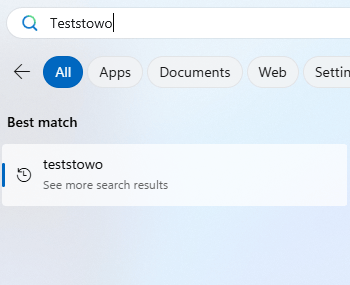
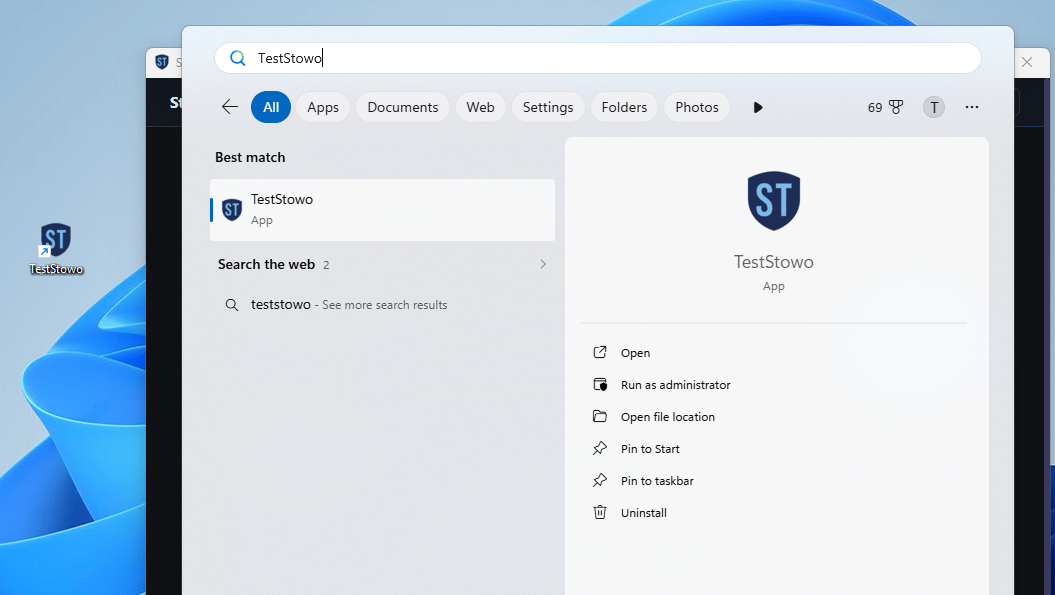
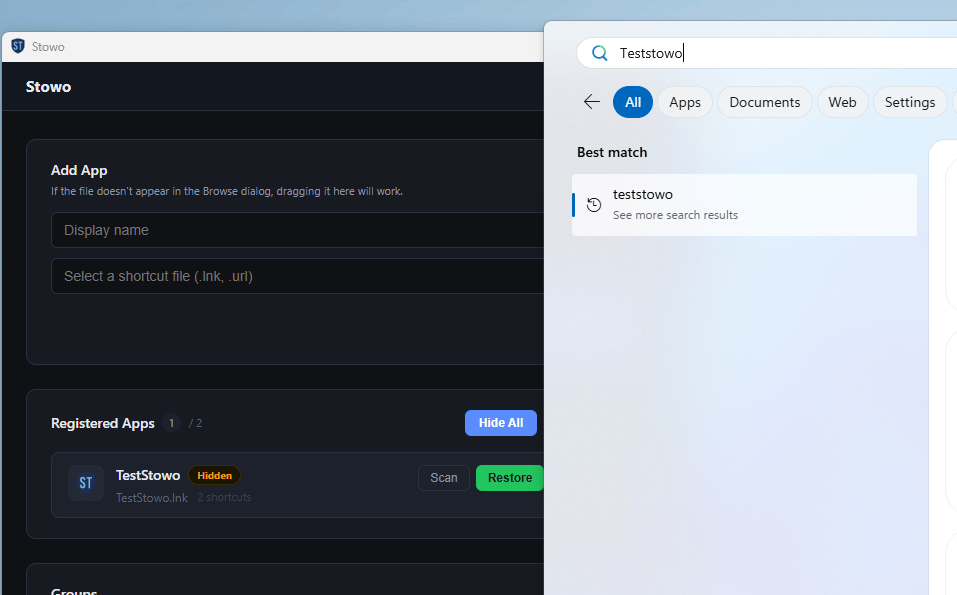
Drag the handle to compare.
Windows may take a moment to update its search results. Apps registered with Windows in ways other than Start menu shortcuts may still show up in search. The screenshots above use the default Move method.
Key features
Your apps stay put
Stowo only moves or hides .lnk and .url shortcuts. App files, game files, and install folders are left alone.
For as long as you want
Hide apps for a set time with a timer, or keep them hidden until you restore them yourself.
Restore delay: 10 sec
A moment to think twice
With Restore delay turned on in Settings, Stowo waits 10 seconds to 1 minute after you click Restore before bringing the shortcuts back. It helps stop impulsive restores.
Your shortcuts stay on your PC
Your shortcuts and settings stay on your PC, and you don't need an account.
See all features→
- Two ways to hide
- Move shortcuts to a backup folder, or leave them in place with the hidden attribute so your icon positions stay the same.
- Stays hidden
- Hidden shortcuts stay hidden until you restore them or a timer ends, even after you restart your PC.
- System tray and startup
- Runs in the background from the system tray. You can have it start with Windows.
- Automatic updates
- Checks for new versions and downloads them automatically. Updates install when you choose.
- English, Korean, and Japanese
- Switch the app's language any time in Settings.
- Running-app check and missing shortcuts
- Stowo won't hide an app that is running, and tells you so. If a shortcut goes missing, Stowo shows it, and you can refresh shortcuts or re-select the file.
- Restore password
- Lock an app, and Stowo asks for a password before restoring it. It adds an extra step to help you pause before restoring, and it's available for free. Timer restores are not affected.
- Works with the window closed
- A small program installed with Stowo handles hiding, restoring, and timers. So shortcuts come back when a timer ends even if the Stowo window is closed, and Stowo can also hide Start menu shortcuts shared by all users. It is removed when you uninstall Stowo.
No sign-up. It runs on your PC.
Read the privacy policy →- Install it and start right away. No sign-up or login.
- Stowo has no ads, no analytics, and no usage statistics.
- The core features work offline. Stowo goes online only to check your Pro license and look for updates.
- Your registered shortcuts and settings are stored only on your PC. Stowo doesn't connect to any server run by Quiren.
Free and Pro
How many apps get in your way?
Free covers this.
For one or two apps
Free
If only one or two apps get in your way, Free is enough. You can add up to 2 apps and use both hide methods, timers, and Restore delay.
For more than two apps
Pro$2.99one-time
If you need to put away game launchers, messengers, and video apps all together, you'll hit the limit. Pro has no limit on apps, and lets you group apps to hide and restore them all at once.
Give yourself a little distance
Stowo is free to start. If it's not for you, just uninstall it. Uninstalling puts your hidden shortcuts back automatically.
Windows 10 and 11 (64-bit) · Version 1.0.2 · About 400 MB of disk space
Stowo includes FFmpeg, distributed under LGPL v2.1 or later. See the third-party license notices and FFmpeg source code.